Our Unit Converter
The ESI Unit converter allows you to quickly and easily access a conversion tool to work out your preferred unit of pressure measurement wherever you may be. Whether out on-site or in the office.

Download the ESI-USB© Software
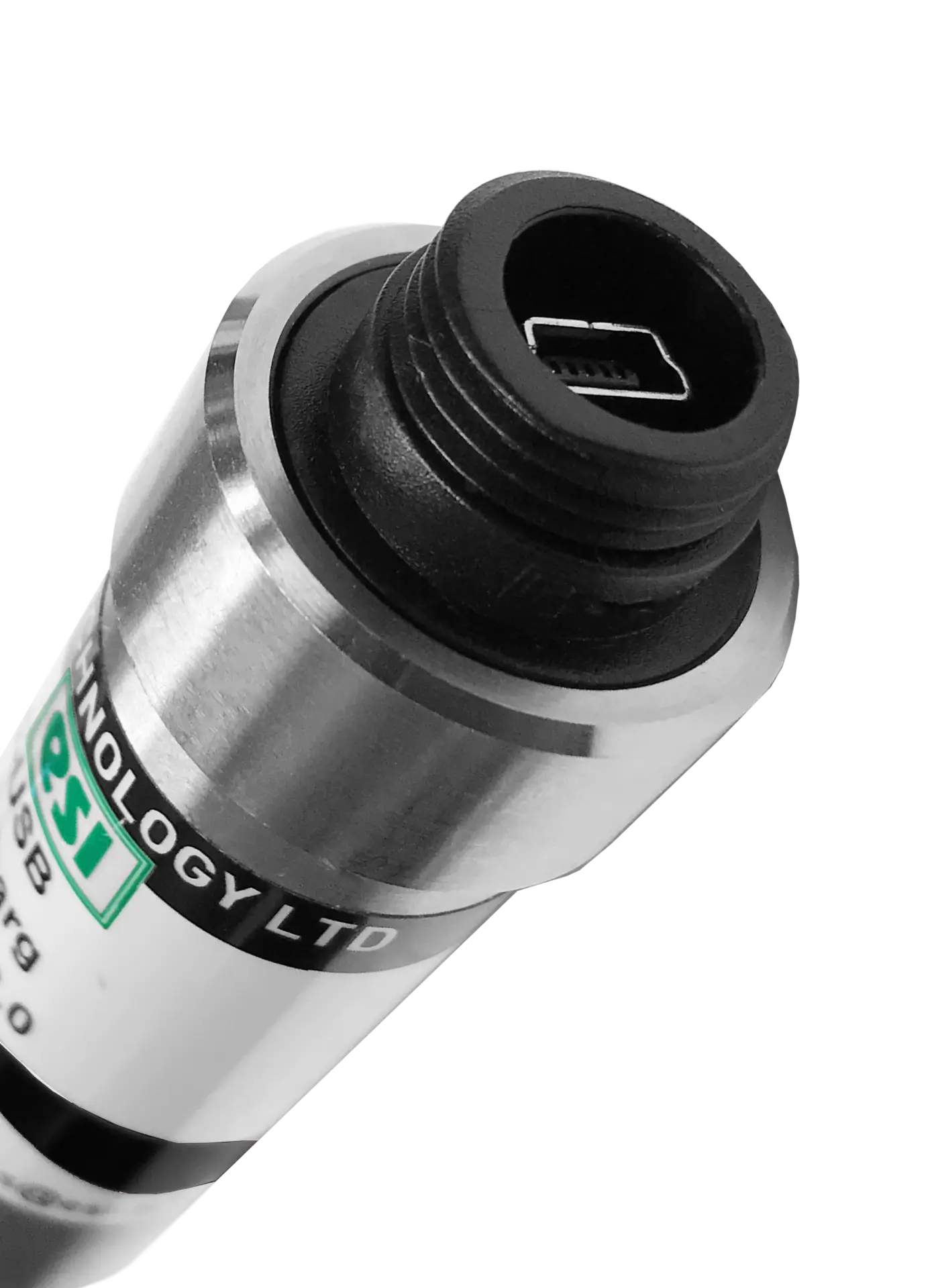
The ESI-USB© software allows you to connect your ESI transducer to your laptop or PC and be up and running monitoring pressure data within ten minutes. The software auto-updates and is compatible with Windows 8, 10 & 11.
If you’re collecting data from analogue instruments, you’ve probably hit the same problems: extra interface hardware, messy wiring, slow setup, and spreadsheets that don’t quite match what happened in the test.
The ESI-USB-PLUS Digital Interface Box is designed to remove that friction. It converts common analogue sensor outputs into digital data and sends them straight to your computer via USB—so you can view live readings, log results, and export files using ESI-USB software.
Whether you’re measuring pressure, temperature, flow, density (or almost any parameter that relies on analogue instrumentation), the ESI-USB-PLUS gives you a compact, practical way to capture reliable data without building a bulky DAQ stack.
What is the ESI-USB-PLUS?
The ESI-USB-PLUS is an analogue-to-digital converter (digital interface box) that connects compatible analogue transmitters/transducers to a PC via USB and displays the readings in the ESI-USB software. It also includes a dedicated input for an external PT100 RTD temperature sensor.
What can you connect to it?
The ESI-USB-PLUS is designed to work with instrumentation that outputs:
-
4–20 mA (single-ended analogue input)
-
0–10 Vdc (single-ended / differential)
That covers a huge range of real-world instruments, including (depending on your setup):
-
pressure transmitters and transducers
-
temperature instrumentation (with PT100 RTD input available)
-
flow and level transmitters
-
density and process measurement devices that provide standard analogue outputs
Key features that make it useful on test benches and in the field
High-speed capture for dynamic measurements
The unit supports user-selectable sample rates up to 1,000 samples per second (1,000 Hz), with resolution stated as 21-bit at ≤5 Hz and 16-bit above 5 Hz up to 1,000 Hz—helpful when you need more than “slow trending” data.
Plug-and-play connection via USB
It’s USB 2.0 / USB 3.x compatible, connecting to a standard USB Type-A port on your computer.
Works with ESI-USB software on Windows
The ESI-USB software is listed as compatible with Windows 8, 10 and 11, and supports quick setup with auto-detection.
Reporting, certificates, alarms and more (built into the software)
The datasheet highlights software features including custom certificate generation, customisable templates, leak testing, virtual differential measurement, test start/stop scheduling, and alarm levels for each sensor.
Compact, workshop-friendly hardware
The technical data notes an ABS plastic enclosure, IP65, and a supplied 2m USB lead (with a longer lead option mentioned).
Why use an interface box instead of a full DAQ system?
A full DAQ setup can be the right choice for large channel counts or complex instrumentation. But for many labs, calibration benches, OEM test rigs, and troubleshooting tasks, the ESI-USB-PLUS is appealing because it’s:
-
simple (USB connection + software)
-
flexible (works with standard analogue outputs)
-
fast to deploy (ideal for temporary tests and field work)
-
report-friendly (export and certificate-style outputs via software) esi-tec.com+1
Typical use cases
Here are practical ways engineers use the ESI-USB-PLUS:
-
Troubleshooting hydraulic systems: capture pressure behaviour during transients and compare against expected performance
-
Process monitoring: log pressure + temperature over time for validation or investigation
-
R&D and validation testing: record sensor outputs, export to Excel/PDF, create consistent reports
-
Multi-parameter monitoring: combine analogue signals with PT100 temperature input for richer context during tests
Getting started in 5 steps
-
Connect your analogue transmitter/transducer (4–20 mA or 0–10 V) to the interface box input.
-
Connect a PT100 RTD if you also need temperature logging.
-
Connect the ESI-USB-PLUS to your PC via USB.
-
Open ESI-USB software to view live readings and configure units/scales and logging.
-
Log, export, and generate reports/certificates as required.
FAQ
Can I use the ESI-USB-PLUS for measurements beyond pressure?
Yes. It’s designed for any instrumentation device providing 4–20 mA or 0–10 V outputs—so it can support many parameters, depending on your transmitter (flow, level, density, etc.).
Does it include temperature measurement?
It supports a dedicated PT100 RTD input channel for external temperature measurement.
What sample rate can I log at?
The datasheet states up to 1,000 Hz (user selectable).
What operating systems does it support?
The ESI-USB software is listed as compatible with Windows 8, 10 and 11.
Want to see if the ESI-USB-PLUS fits your setup?
If you tell us:
-
your sensor output (4–20 mA or 0–10 V),
-
the parameter you’re measuring (pressure/flow/etc.), and
-
your required sample rate,
we can point you to the best configuration and supporting documentation via the ESI-USB-PLUS product page.